Hello dear readers,
My Chinese "red" board recently burned out, and since I constantly do experiments on my machine, I urgently needed to replace the control system of my cnc. In this article I will write how to make a laser control system based on GRBL 1.1 in the cheapest and fastest way. This system can be assembled using inexpensive components that can be purchased anywhere in the world.
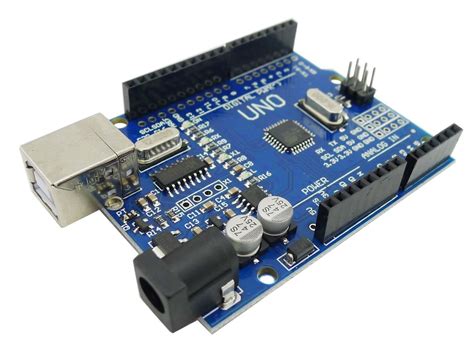
1) Arduino UNO or any compatible board
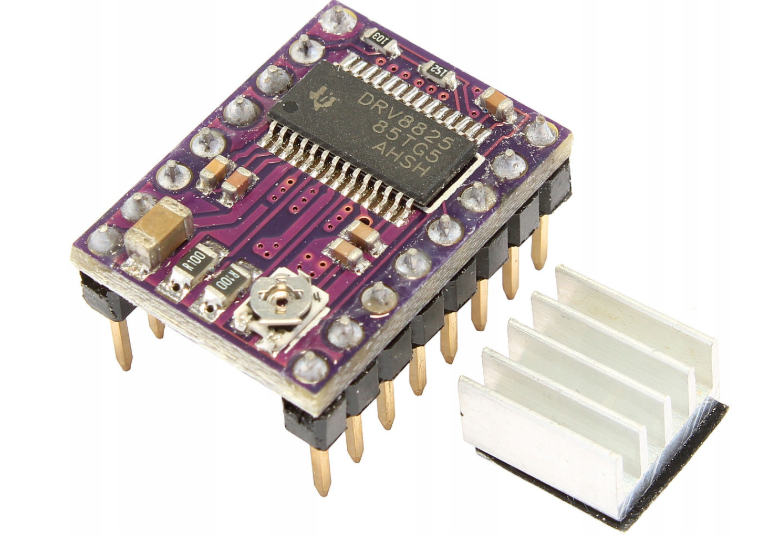
2) Three DRV8825 motor drivers
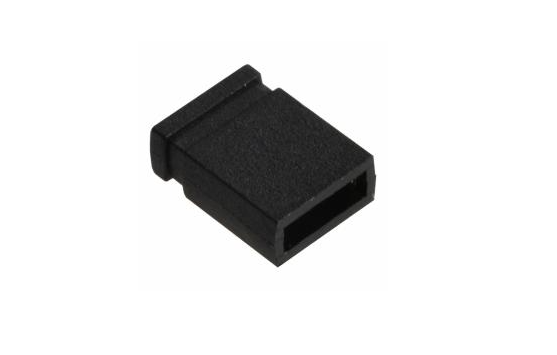
3) Jumper set R=2.54mm
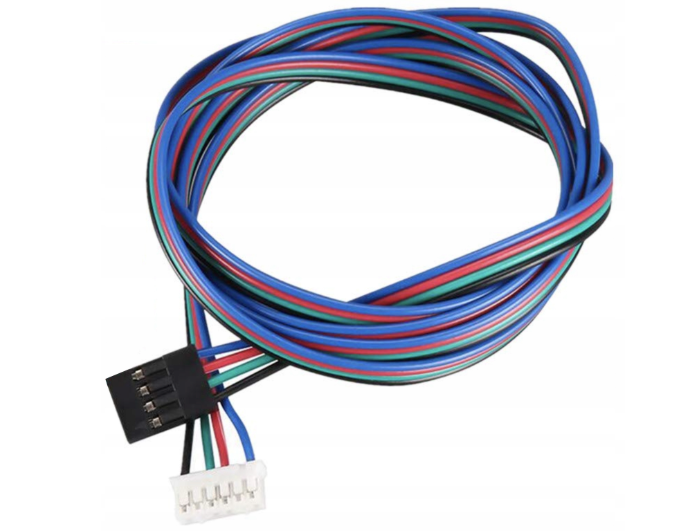
4) Set of wires for an electric motor
5) CNC shield V3
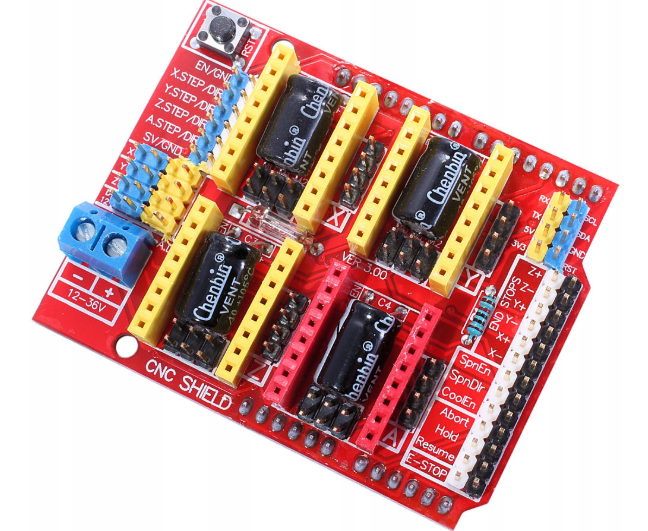
I won't go into detail about how to upload firmware to the microcontroller and how to connect everything together. I'll just cover a few things that aren't well-covered online.
General image of the assembly:
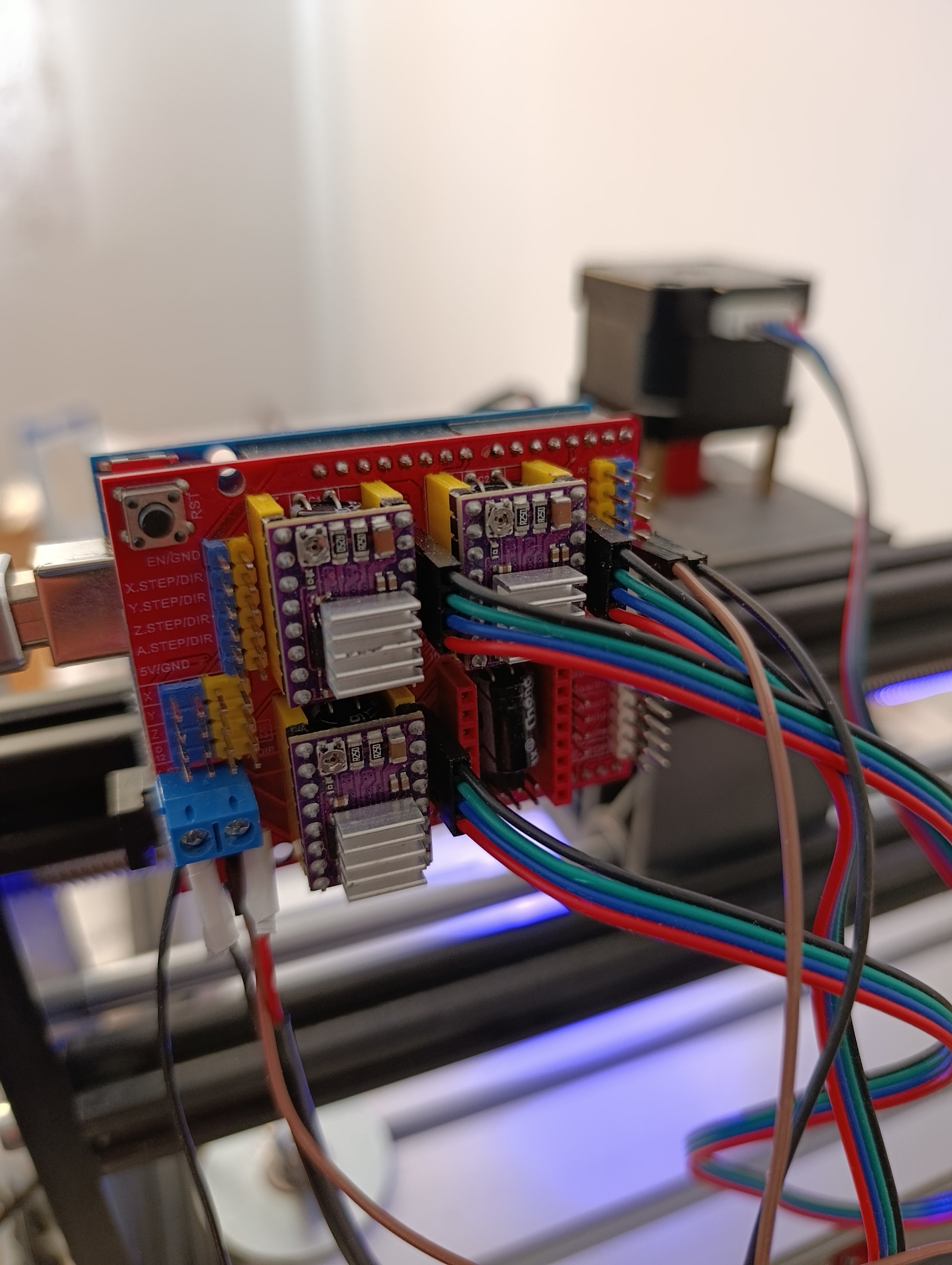
1.1. Supported driver types
The CNC Shield V3 is designed for Pololu-format stepper drivers. The most commonly used are:
-
A4988
-
DRV8825
Both modules plug into the same 16-pin socket footprint, but they have different characteristics.
1.1.1. A4988 (short overview)
-
Maximum microstep: 1/16
-
Maximum current: around 1 A without cooling, up to 2 A with good cooling (depends on PCB and Rs value)
-
Good for simple low- to medium-power systems
1.1.2. DRV8825 (main driver in this article)
-
Maximum microstep: 1/32
-
Higher current capability than A4988 (around 1.5 A continuous without strong cooling, up to 2.2 A with cooling depending on board)
-
Finer microstepping → smoother motion
-
Compatible with CNC Shield V3 sockets used for A4988
In this article, all detailed examples of microstepping and current adjustment will be based on DRV8825.
2.1. Orientation of the driver on the CNC Shield
Before inserting any driver:
-
Disconnect all power from the Arduino and CNC Shield (USB cable out, external power off).
-
Make sure no motor is connected or at least that the system is completely unpowered.
Each driver module has:
-
A small potentiometer (adjustment screw) for Vref.
-
A side where EN, STEP, DIR pins are.
-
A side where VMOT and GND for motor power are.
On the CNC Shield V3, there are clear labels around the socket. Typically:
-
The side of the driver with VMOT / GND (high-voltage motor supply) must match the side of the CNC Shield where VMOT / GND are printed.
WARNING: Installing a driver in the reverse orientation will cause a direct short circuit between the high-voltage motor rail and the low-voltage logic rail. This catastrophic error will instantaneously destroy the driver chip, the voltage regulator on the Arduino, and potentially the USB port of the connected computer.
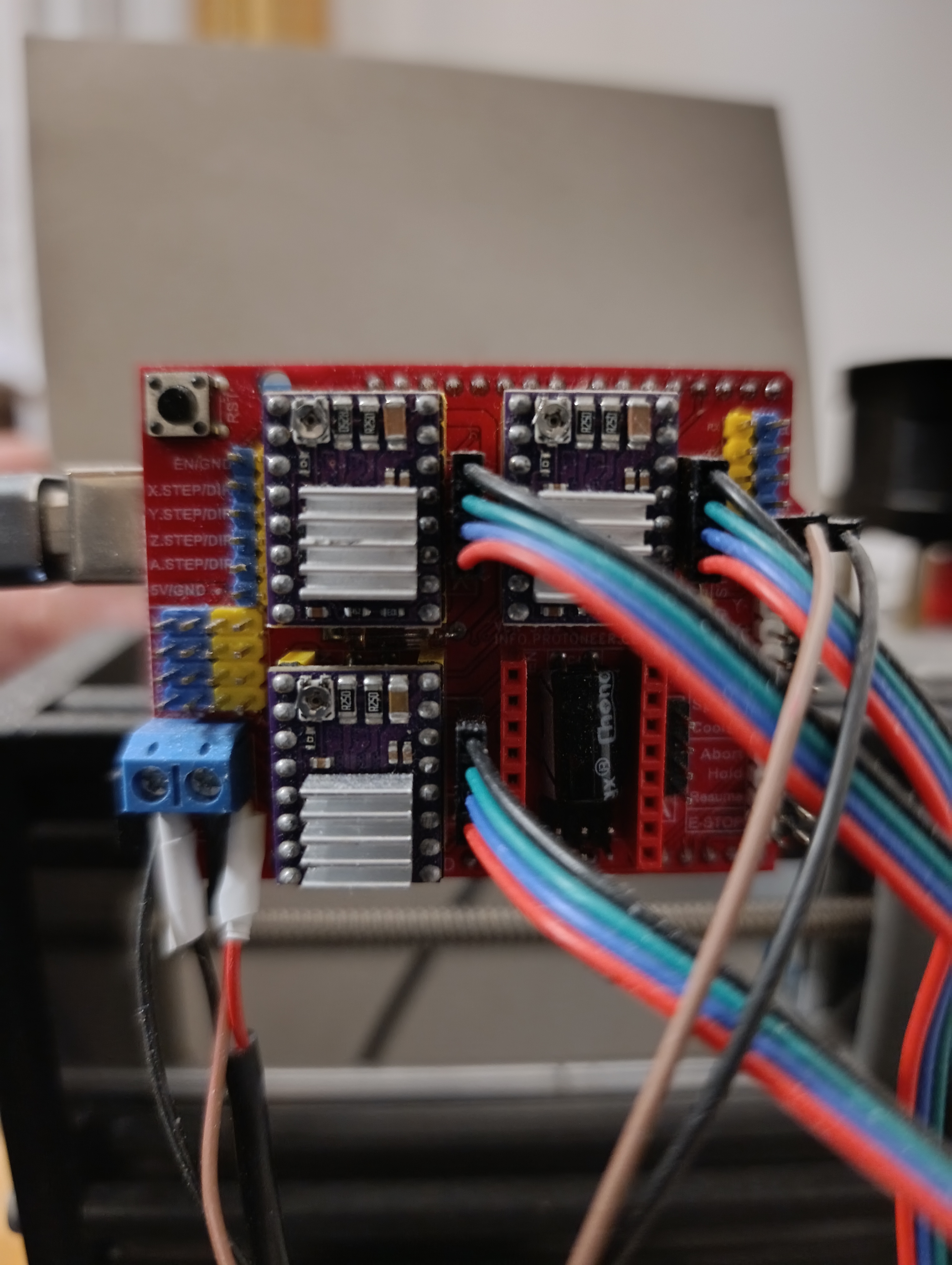
If you insert the driver rotated by 180 degrees, you will most likely destroy the driver immediately when power is applied. So double-check:
-
Printed “EN / STEP / DIR” on driver must be above the corresponding “EN / STEP / DIR” marks on the shield.
-
Printed “VMOT / GND” must line up with “VMOT / GND” on the shield.
On the CNC Shield V3, the four motor output pins are located on the right side of each stepper driver, and these pins form a single 4-pin connector labeled A+, A–, B+, and B–. This connector is used to attach the stepper motor directly to the driver’s output stage. The motor’s own four-wire connector is simply attached to these four pins in order, without the need to identify coils or internal wiring; the user only needs to connect the four wires to the four available terminals. If, after powering the system, the motor rotates in the opposite direction, the correction is straightforward: power off the machine and reverse either the A+ / A– pair or the B+ / B– pair.
┌───────────────┐ ← motor output connector
│ 4-pin OUT │
│ A+ A– B+ B– │
└───────────────┘
│ │ │ │
│ │ │ └────→ motor wire №4
│ │ └────────→ motor wire №3
│ └────────────→ motor wire №2
└────────────────→ motor wire №1
2.3. Inserting the driver step-by-step
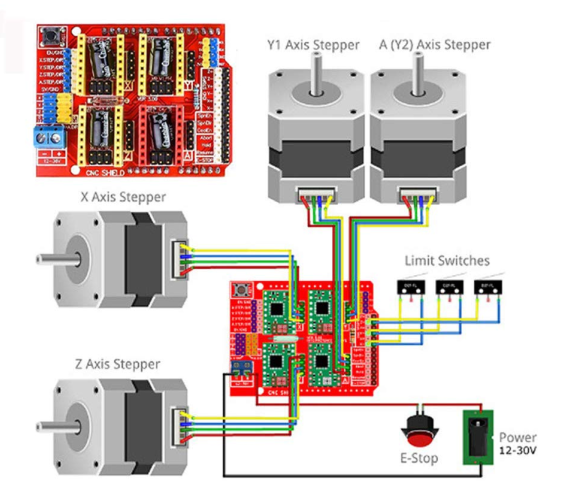
For each axis (X, Y, Z):
-
Place all three microstepping jumpers (MS1, MS2, MS3) as desired before inserting the driver (this is covered in section 3).
-
Hold the DRV8825 module by its edges.
-
Carefully align all 16 pins with the socket holes in the CNC Shield V3.
-
Press it straight down gently until it is fully seated.
-
Visually check that no pin is bent and that the orientation matches the printed labels.